


一、更新VPS系统,安装组件
apt update -y
apt install curl sudo -y
二、关闭服务器防火墙
关闭防火墙:
sudo ufw disable查看防火墙状态:
sudo ufw status三、Hysteria 2 一键安装脚本
wget -N --no-check-certificate https://raw.githubusercontent.com/flame1ce/hysteria2-install/main/hysteria2-install-main/hy2/hysteria.sh && bash hysteria.sh四、成功,出现配置文件Hysteria 2 节点分享链接,查看 hysteria 服务 状态
systemctl status hysteria-server.service 看到Active: active (running),证明hy2启动
五、设置 hysteria 服务 开机自启
systemctl enable hysteria-server.service Hysteria 服务相关命令
systemctl start hysteria-server.service # 启动 hysteria 服务systemctl enable hysteria-server.service # 设置 hysteria 服务 开机自启systemctl restart hysteria-server.service # 重启 hysteria 服务systemctl stop hysteria-server.service # 停止 hysteria 服务systemctl status hysteria-server.service # 查看 hysteria 服务 状态六、代理工具下载地址
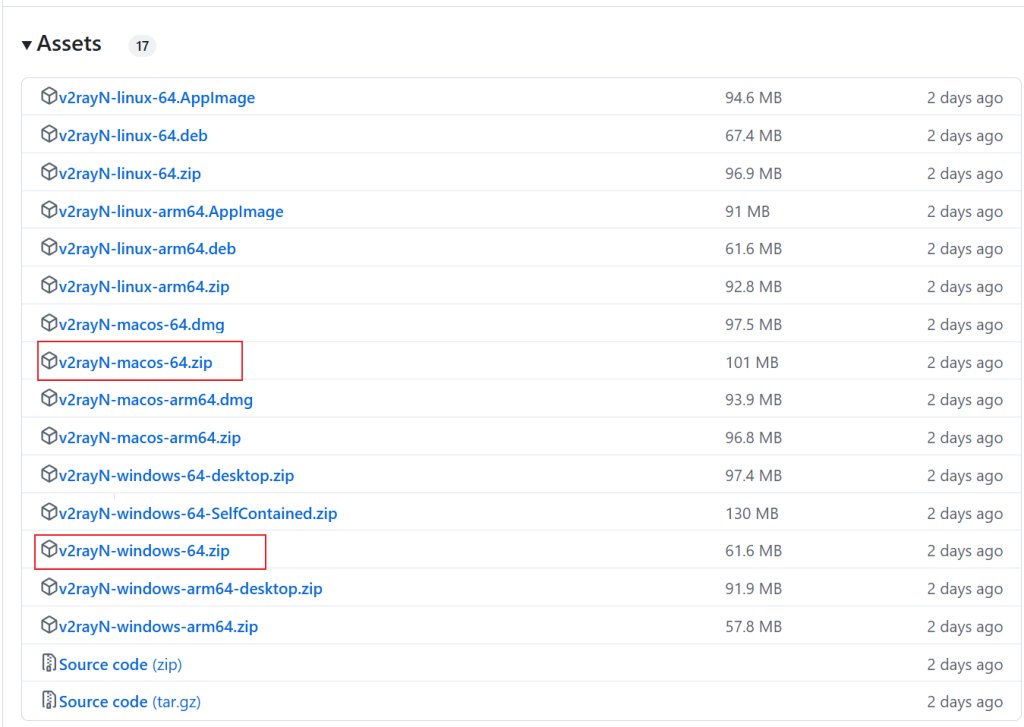
电脑 V2rayN下载地址:https://github.com/2dust/v2rayN/releases
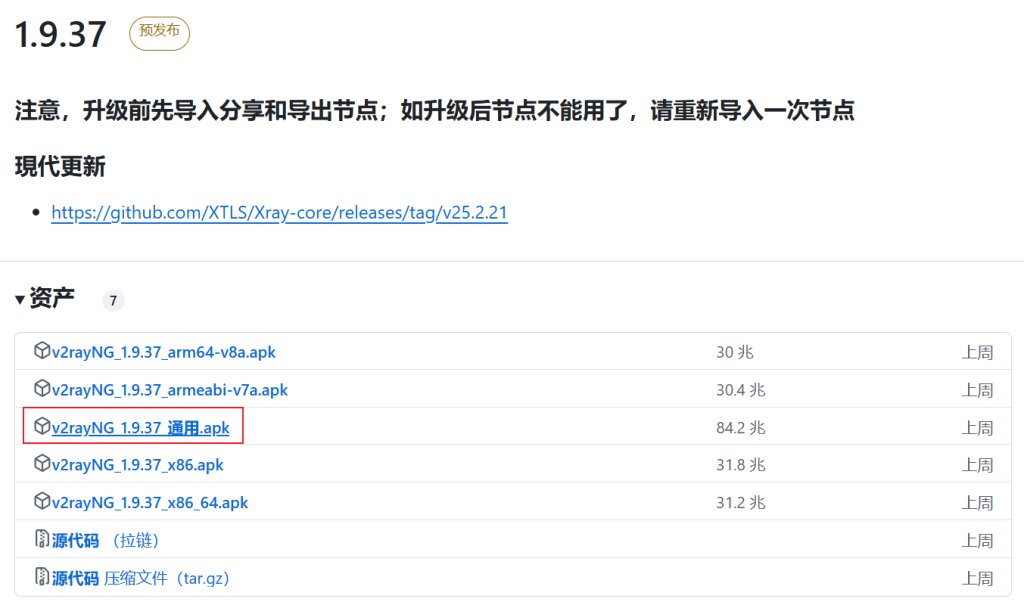
android手机 v2rayNG下载地址:https://github.com/2dust/v2rayNG/releases
评论区